
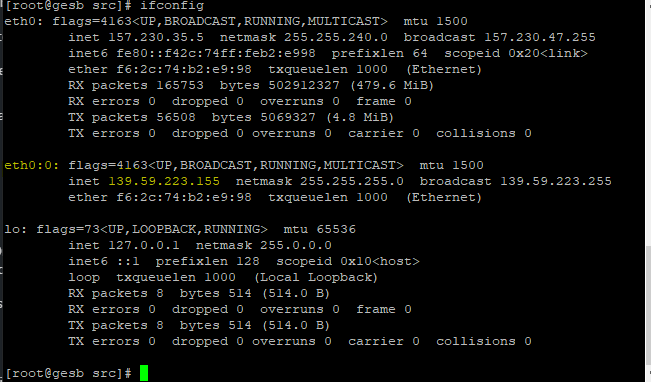
In the CentOS Web Panel environment described in this original guide, an additional server IP address can be configured as follows:
1 — Install the nano editor
yum install nano
2 — Create the file
nano /etc/sysconfig/network-scripts/ifcfg-eth0:0
3 — Paste the configuration into ifcfg-eth0:0
DEVICE="eth0:0"
BOOTPROTO=static
ONBOOT=yes
TYPE="Ethernet"
IPADDR=80.80.25.25
#GATEWAY=80.80.25.1
NETMASK=255.255.255.0
4 — Restart networking
service network restart
5 — Check the result
ifconfig
No votes yet.
Please wait…