
Installing CentOS Web Panel as a cPanel Alternative: An Archived Guide
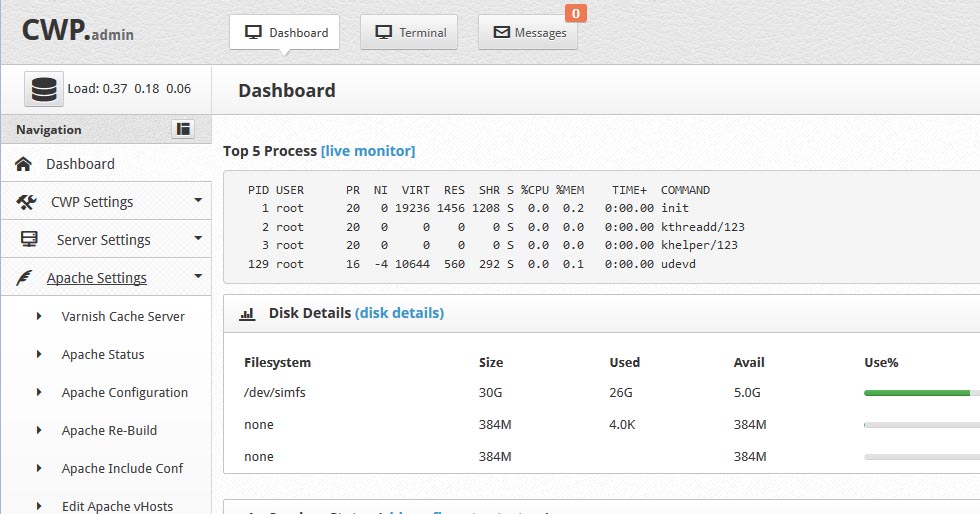
Refer to the official website: CentOS Web Panel
The original guide begins by preparing a server or VPS for CentOS Web Panel.
yum -y install wget
yum -y update
reboot
Set the Hostname
After rebooting, configure a hostname for the server on which CWP will be installed.
Log into the server and enter the following:
hostname ns1.rekawebs.net
The original guide recommends a subdomain as the hostname rather than the main domain.
Download CentOS Web Panel
The following commands are preserved from the original CentOS 6 installation guide and reflect that historical environment:
cd /usr/local/src

wget http://centos-webpanel.com/cwp-latest

sh cwp-latest
The original installation could take approximately 30–40 minutes, depending on the server. It then required a reboot to complete:
reboot
The guide then accessed CentOS Web Panel on the VPS or dedicated server using:
http://serverIP:2030
Username: root
Password: is your root password.